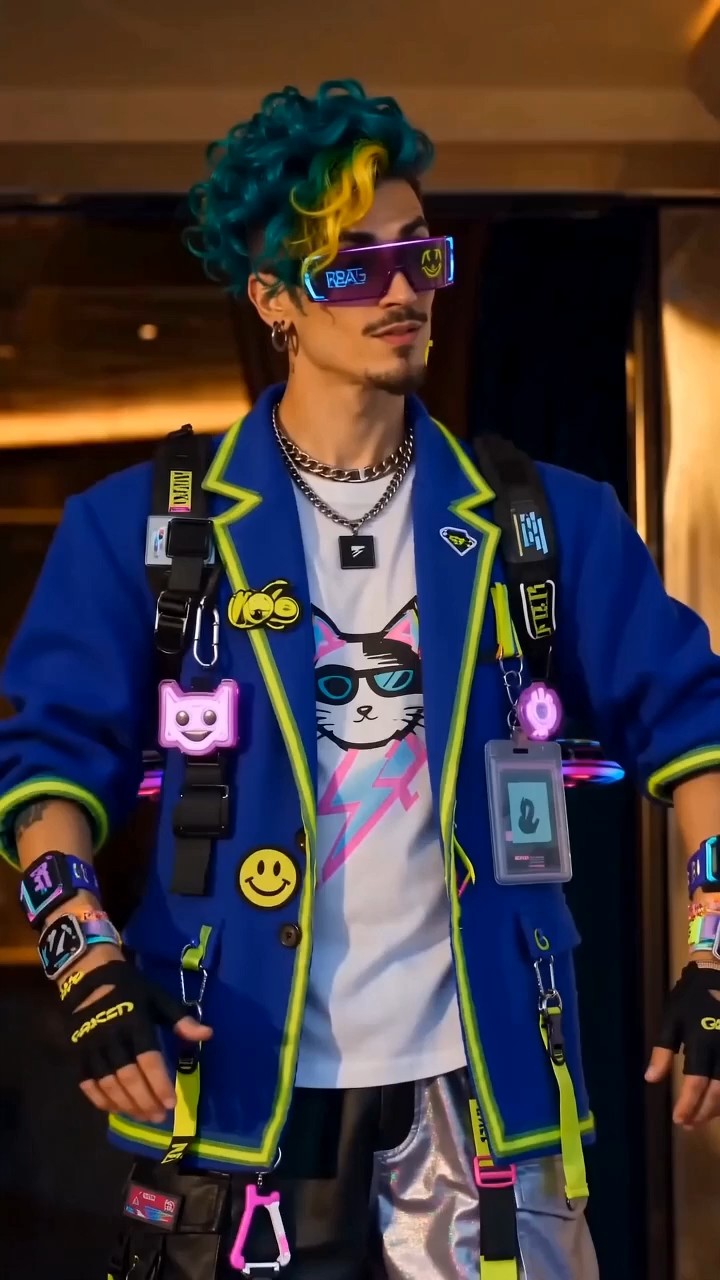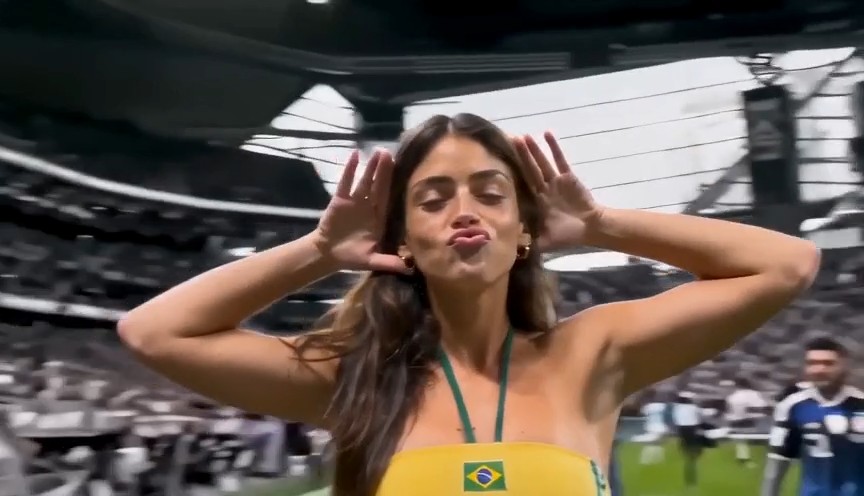
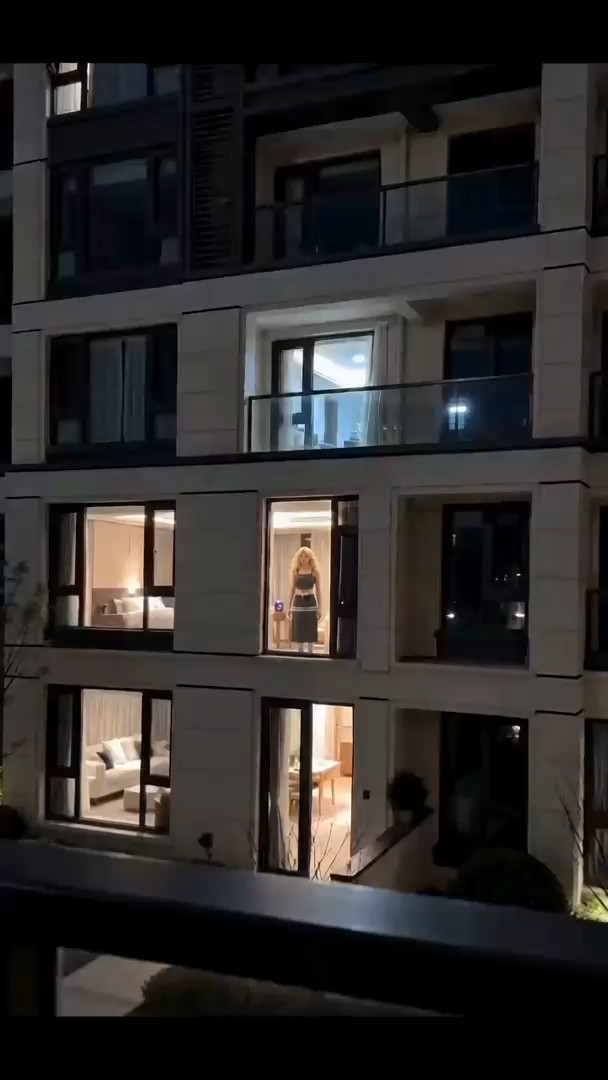
An example made with this template. Yours uses your photos.
Apartment Dance AI Video Generator
Turn one photo into an apartment dance clip ending in an awkward curtain-pull finale — vertical 9:16 by default, or choose 1:1 or 16:9.
- Photos
- 1
- Credits
- from 10
- Category
- solo
Make your video
Sign in with Google to generate.
- Use a clear photo of one person with an unobstructed face.
- A full-body photo helps preserve your clothing and body proportions.
- Upload a JPEG, PNG, or WebP file; your browser compresses it automatically.
- Only upload adults (18+) you have the right to feature, and no celebrities.
How to make it
- Upload one clear single-person photo (full-body works best for outfits).
- Pick your quality (from 10 credits) and aspect ratio (vertical 9:16 by default, or choose 1:1 or 16:9), generate your dance clip, and wait a few minutes.
- Download the finished clip from My Videos and post it on TikTok with the trending sound.
About the Apartment Dance trend
Apartment Dance turns a single photo into a solo comedy dance clip — vertical 9:16 by default (best for TikTok, Reels, and Shorts), or choose 1:1 or 16:9. In the scene, the person from your photo dances beside a small speaker, suddenly notices the camera filming from outside the window, and pulls the curtains shut in an awkward finale. It works with just one picture, and using a full-body shot helps the video preserve your clothing and body proportions cleanly throughout the move.
To generate your clip, sign in with Google, pick up a credit pack on /pricing, and upload a JPEG, PNG, or WebP photo. Each video costs from 10 credits — Standard 480p 10, HD 720p 20, Full HD 1080p 50 — aspect ratio does not change the price, credits never expire, and there is no free trial. Your browser compresses the photo prior to upload, and ClipMorph deletes uploaded photos within 24 hours. Processing usually takes a few minutes, then the completed video lands on My Videos ready to download. If generation fails, the credits for that video are refunded automatically.
Make sure you have permission to use the photo. Only upload images of adults aged 18 or older, and do not upload celebrities.
Tips for a better result
- Choose a full-body photo whenever possible so your outfit and body proportions transfer naturally into the scene.
- Keep only one person in the frame so the template stays locked on the right subject.
- Use a well-lit, sharp image where the face is clearly visible and unobstructed.
- Avoid cluttered backgrounds or heavily cropped portraits.
Questions
How many credits does Apartment Dance cost?
Each Apartment Dance video costs from 10 credits — Standard 480p 10, HD 720p 20, Full HD 1080p 50. Aspect ratio does not change the price. Sign in with Google and purchase a credit pack on /pricing. Credits never expire, and there is no free trial.
Which quality should I choose?
Standard (480p, 10 credits) is fine for phone viewing. HD (720p, 20 credits) and Full HD (1080p, 50 credits) look sharper on large screens and cost more.
What happens if my generation fails?
If a video fails to generate, the credits for that video are refunded automatically.
Does the generated video include music?
We can't promise the clip includes the trend's audio. When you post on TikTok, tap Add sound and pick the trend's sound.
How do I post with the trending sound on TikTok?
Download your finished video from My Videos, upload it in TikTok, tap "Add sound", and select the trend's sound before publishing.
Are my uploaded photos stored?
Only briefly. Photos are compressed in your browser, used only to make your video, and deleted within 24 hours.
What happens in the Apartment Dance scene?
The person from your photo dances beside a small speaker, spots the camera outside the window, and then pulls the curtains shut in an awkward finale.