
Turn Your Photos into Trending AI Videos
Pick a template, upload 1 or 2 photos from your phone, and download your finished AI clip in a few minutes.
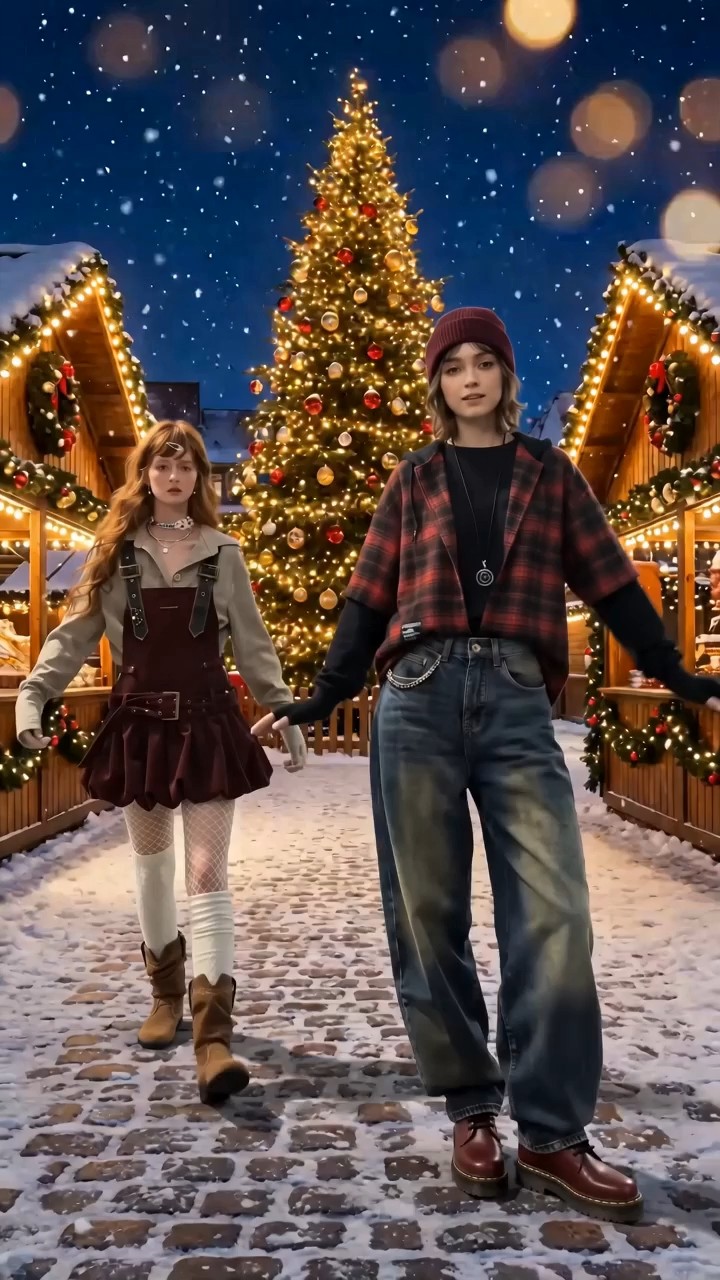
Tap a template to preview it, then make yours
New this week
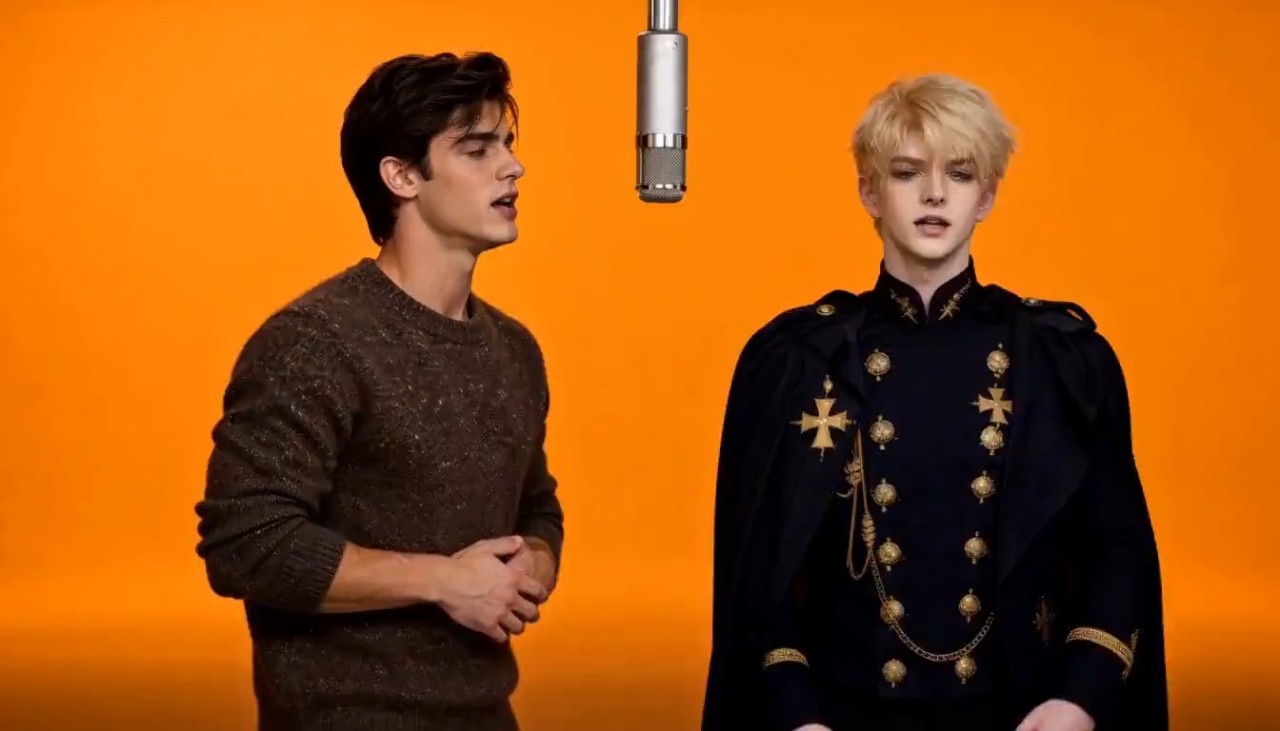
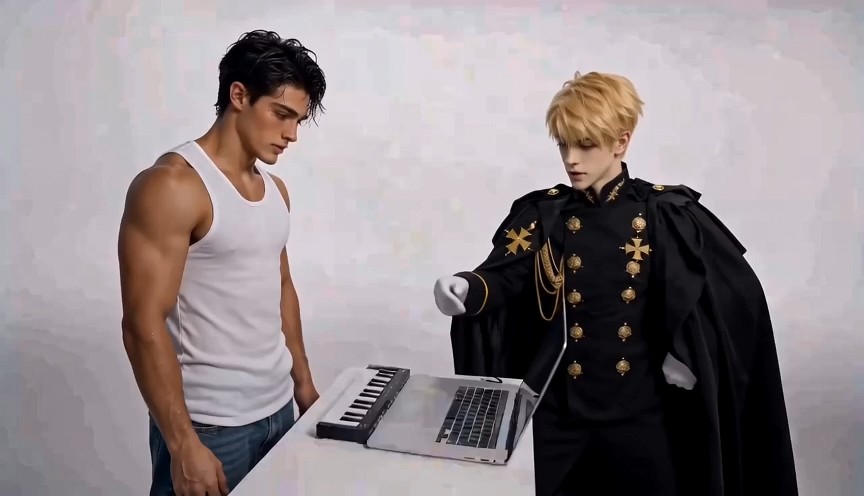
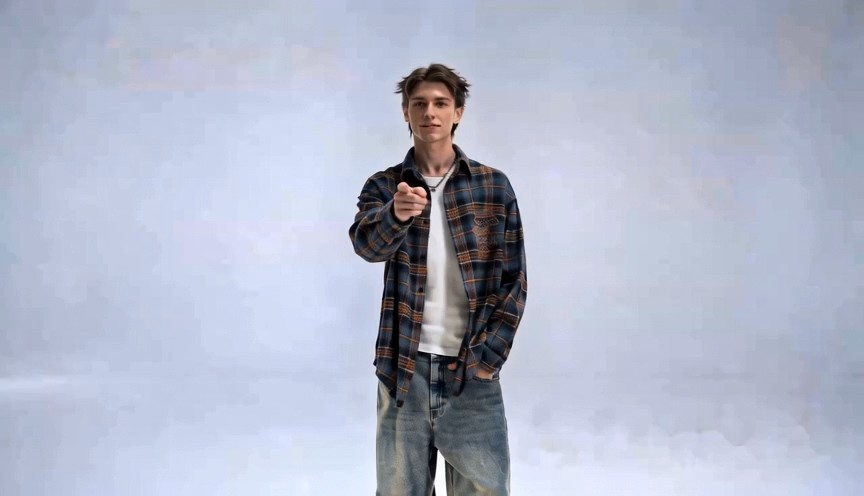
How it works
- Pick a template and upload 1 or 2 JPEG, PNG, or WebP photos.
- Generate your clip using credits and wait a few minutes while it renders.
- Download your finished video from My Videos and post it with the trending sound.
How ClipMorph works
ClipMorph offers ready-made AI video templates that turn your photos into short vertical clips (9:16 where supported). Sign in with Google and buy prepaid credits on /pricing. Credits never expire, there is no free trial, and failed runs refund credits automatically.
Pick a template and upload 1 or 2 JPEG, PNG, or WebP photos (adults 18+ with permission; no celebrities). Your browser compresses each image before upload, and photos are deleted within 24 hours. Generation takes a few minutes. Finished clips appear on My Videos to download and post. On TikTok, tap Add sound to pick the trend's sound.
Popular templates
- Hotel Lobby AI: Two portraits in a hotel lobby video (left and right).
- Alors On Danse: Two portraits in a 15-second duo dance.
- Neon Duo Dance: Two portraits in a duet with moving camera shots.
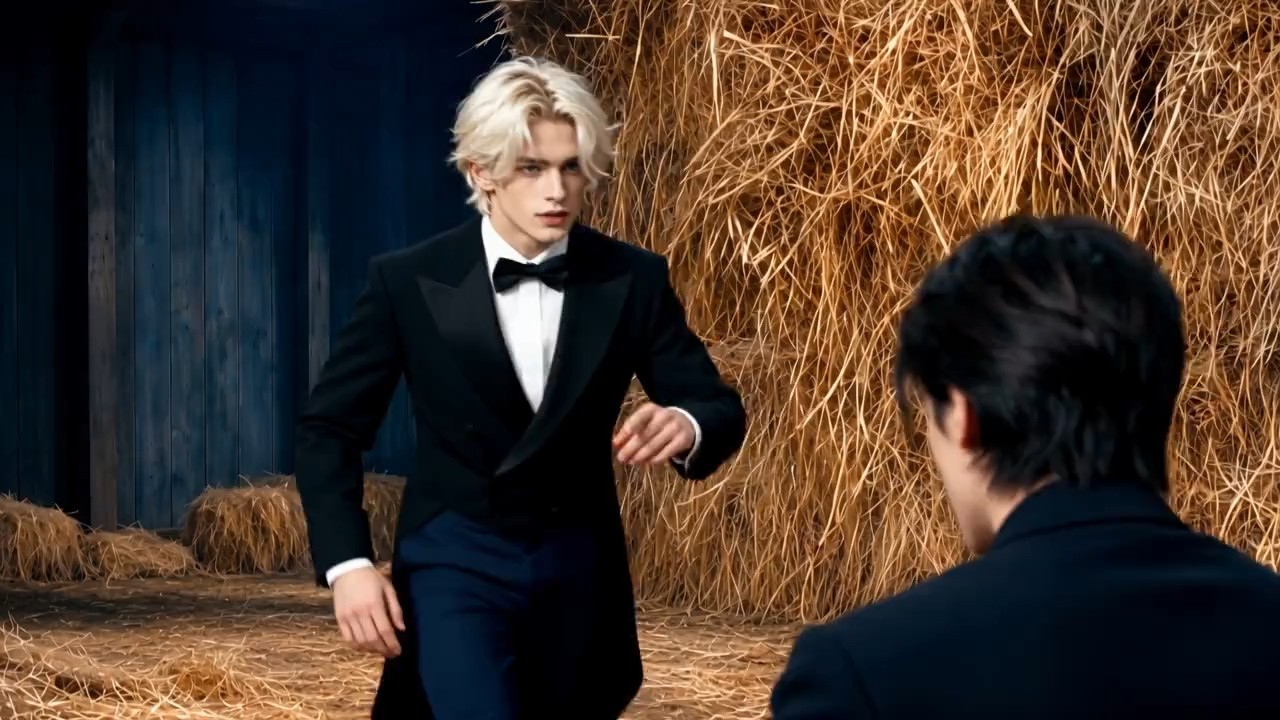
- Rumpelstiltskin AI Dance: Dancer and seated observer in a 15-second comic barn scene with soundtrack.
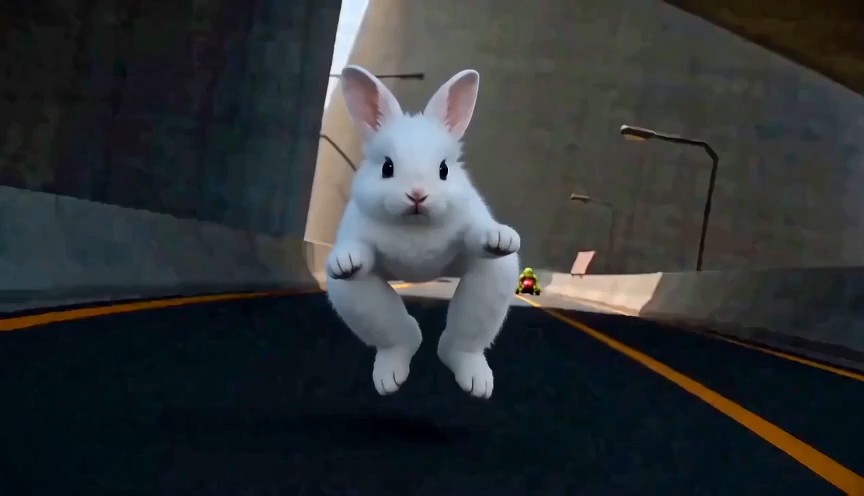
- Crazy Frog AI: Invisible-motorcycle lead and red-motorcycle chaser in a 15-second chase.
- Christmas Dance Trend: Two photos in a 14-second Christmas duo dance with original music.
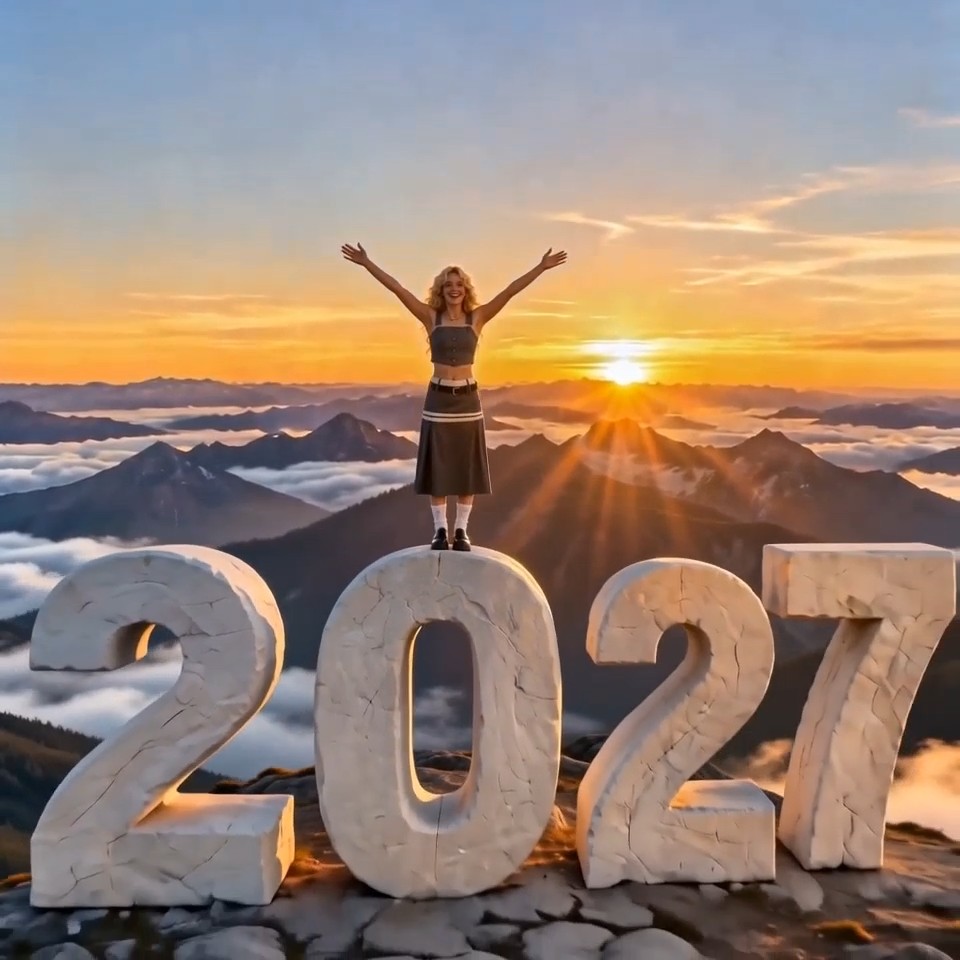
- Goodbye 2026 Welcome 2027: One photo in a 10-second mountain summit sunrise reveal for 2027.
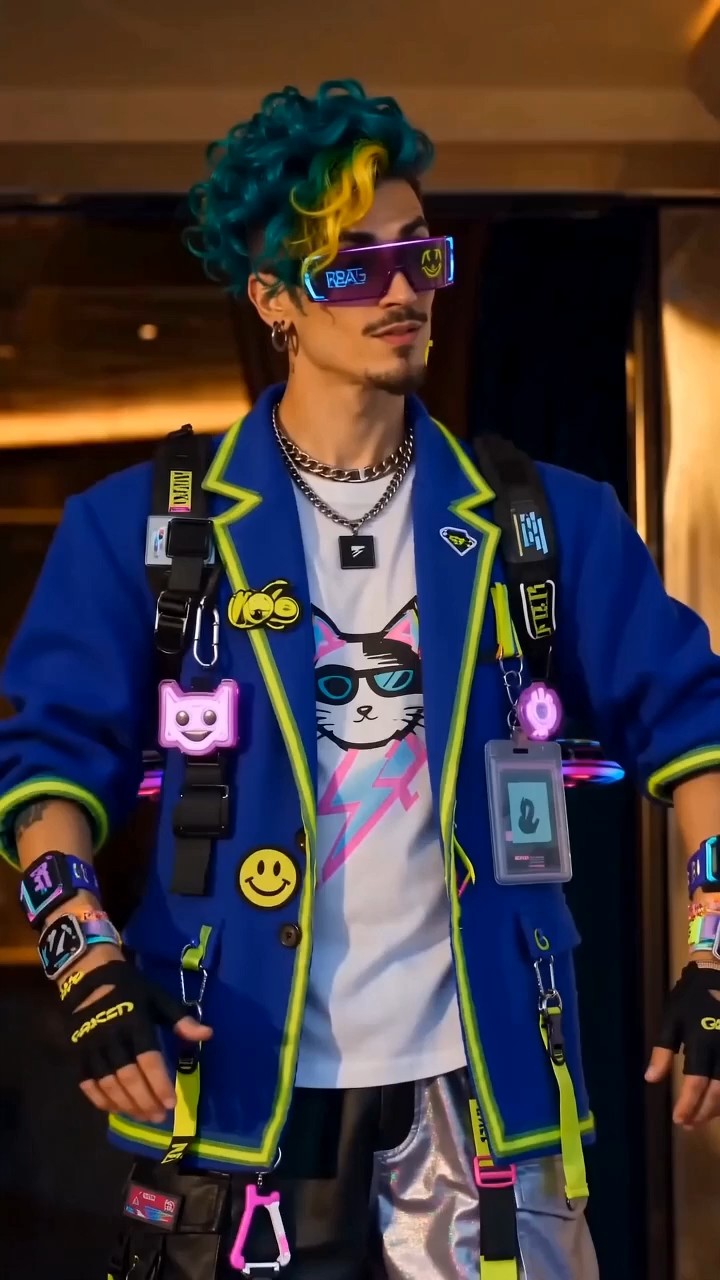
- 24K Magic AI: One photo in a personalized solo dance.
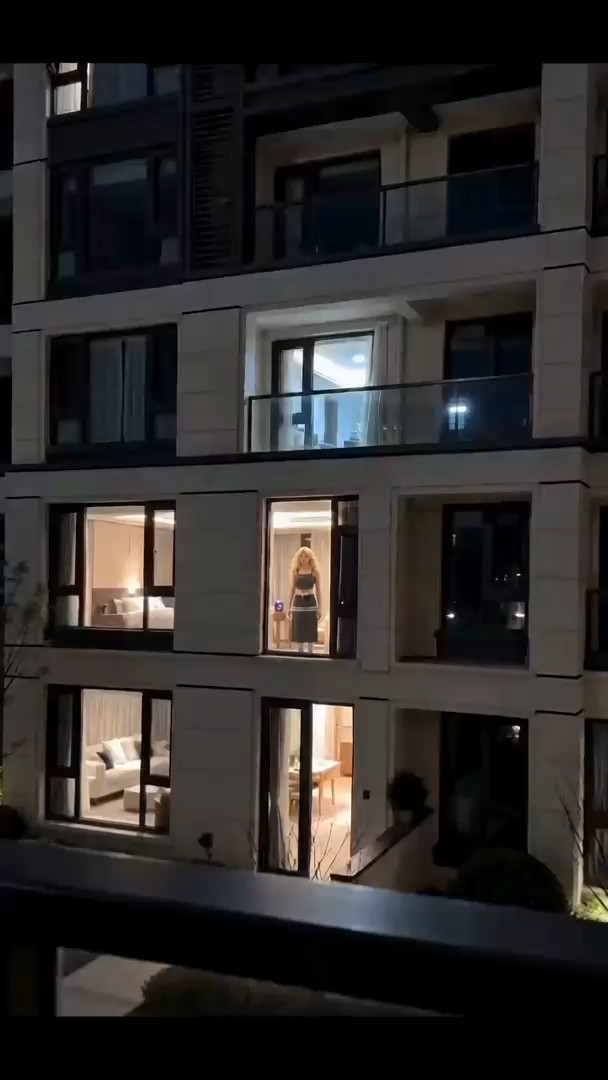
- Apartment Dance: One photo dancing by a speaker before pulling the curtains shut.
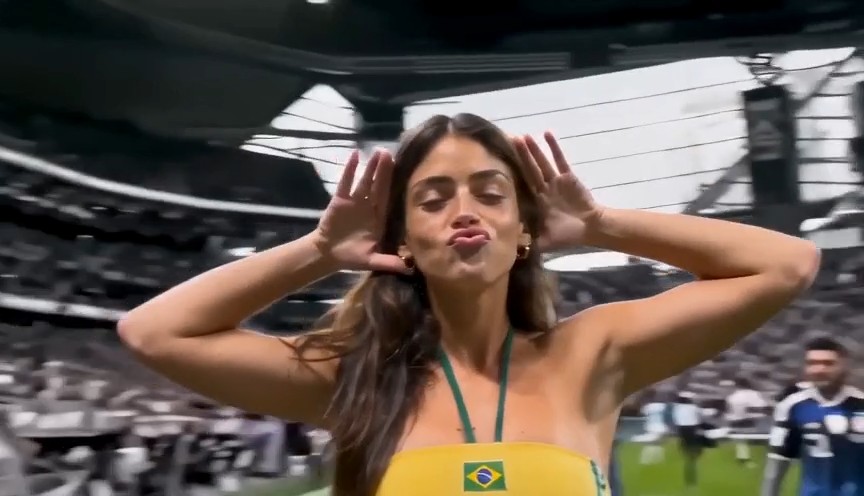
- Enzo Fernandez Celebration: One portrait in a fictional stadium celebration clip.
Questions
How does ClipMorph work?
Sign in with Google, buy a prepaid credit pack on /pricing, choose any template, and upload 1 or 2 clear photos. Generation usually takes a few minutes, and finished videos appear on My Videos ready to download.
Is there a free trial or subscription?
No. ClipMorph uses one-time prepaid credit packs with no free trial and no recurring subscription. Purchased credits never expire.
What happens if a video fails to generate?
If a generation fails, the credits for that video are refunded to your account automatically.
What happens to my photos and what rules apply?
Your photos are compressed in your browser before upload and deleted within 24 hours. You must have the right to use every photo you upload, feature adults (18+) only, and never upload celebrities.