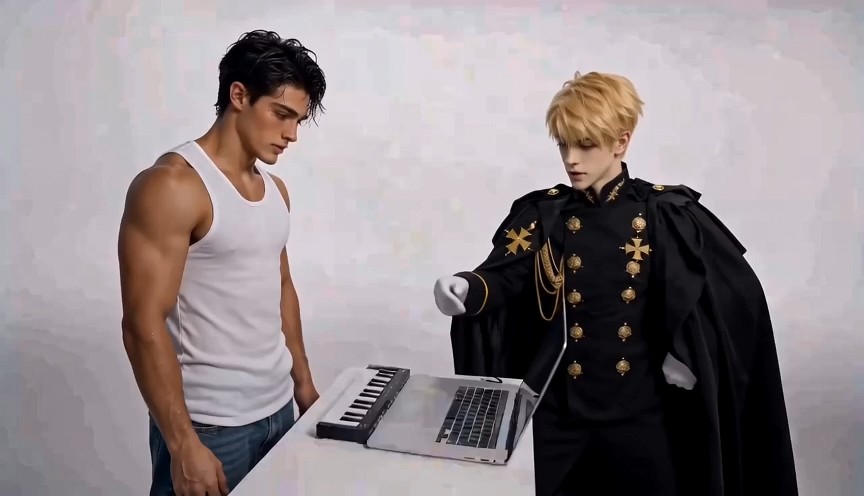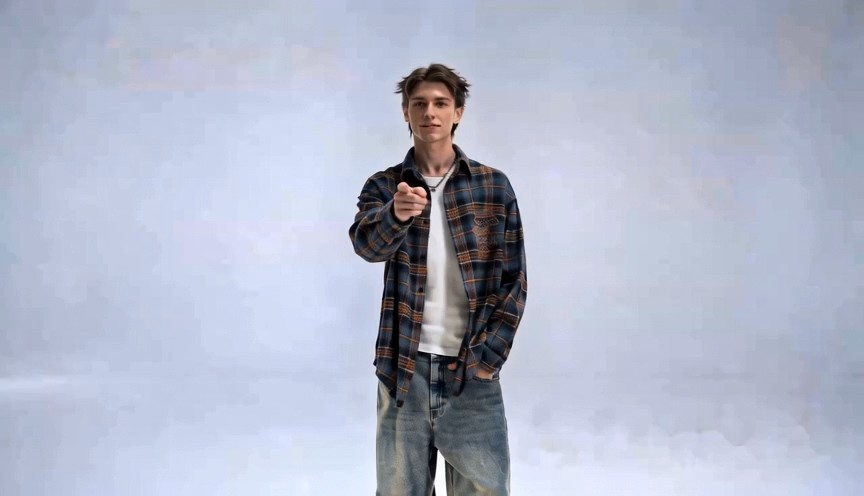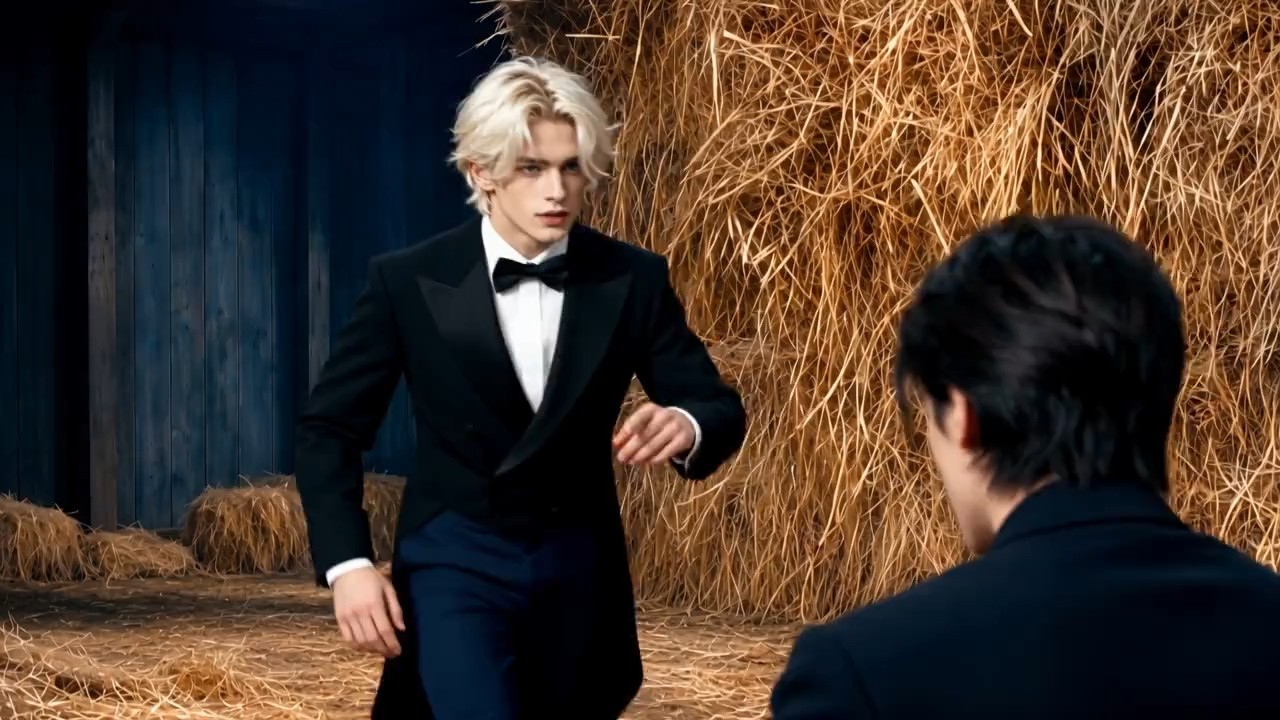
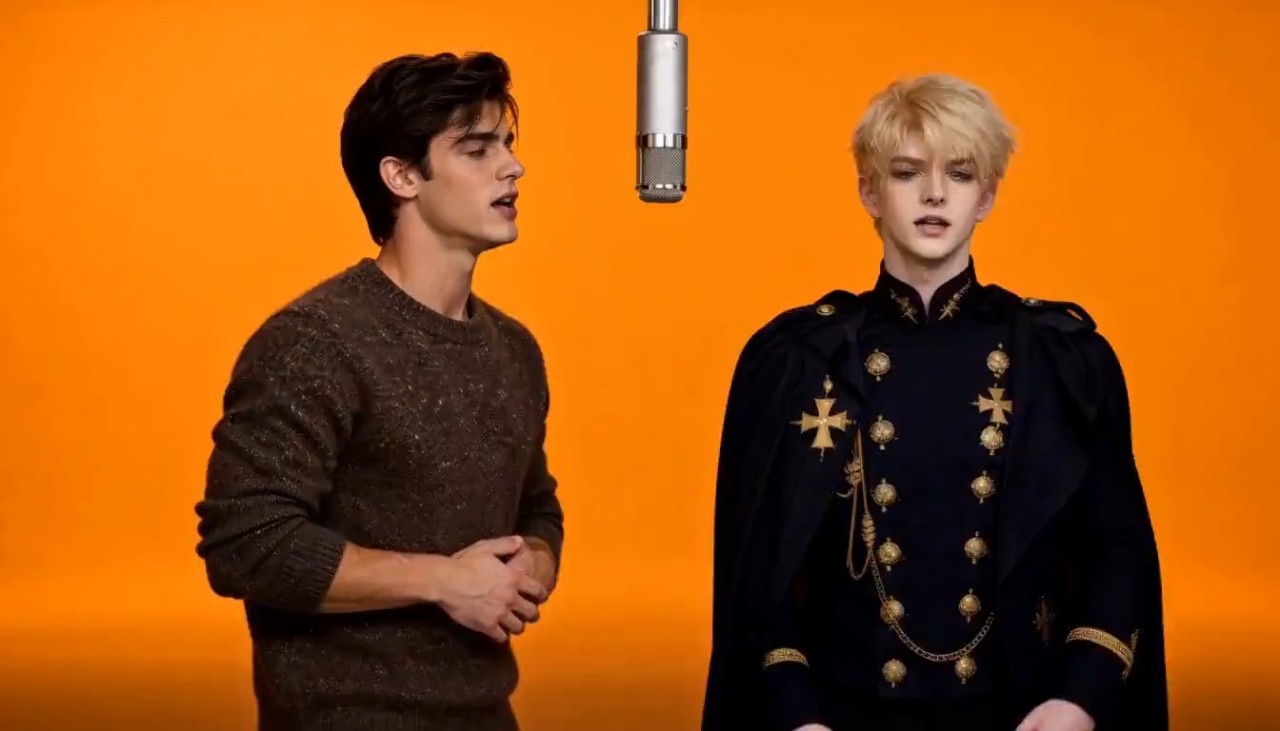
An example made with this template. Yours uses your photos.
Hotel Lobby AI Video Generator
Upload two portraits to put yourself and a partner into a hotel lobby duo video, in vertical 9:16 by default, or choose 1:1 or 16:9.
- Photos
- 2
- Credits
- from 10
- Category
- couples
Make your video
Sign in with Google to generate.
- Use one clear portrait per slot so each face is easy to recognize.
- Put the left performer in Photo 1 and the right performer in Photo 2.
- Upload JPEG, PNG, or WebP files; your browser compresses them automatically.
- Use photos you have the right to use, with adults (18+) only and no celebrities.
How to make it
- Upload two portraits in order: the person on the left first, then the person on the right.
- Pick your quality (from 10 credits) and aspect ratio (vertical 9:16 by default, or choose 1:1 or 16:9), generate your clip, and wait a few minutes.
- Download the finished video from My Videos and post it with the trending sound.
About the Hotel Lobby AI trend
Hotel Lobby AI puts two people into a shared hotel lobby duo video using just two portrait photos. You choose who stands where before you hit generate: the first portrait supplies the performer on the left, and the second portrait supplies the performer on the right. ClipMorph renders the finished clip in vertical 9:16 by default (best for TikTok, Reels, and Shorts), or choose 1:1 or 16:9 at the same price.
Getting started takes only a moment. Sign in with Google, pick up credits on /pricing, and upload two JPEG, PNG, or WebP portraits. Each clip costs from 10 credits — Standard 768p 10, HD 2K 15 — and aspect ratio does not change the price. Your browser compresses the images before sending them, and the photos are deleted within 24 hours. Generation usually takes a few minutes. When it wraps up, your video lands on My Videos ready to save to your device. If a run fails for any reason, the credits for that video are refunded automatically.
Make sure you have permission to use both photos. Only upload images of adults aged 18 or older, and do not upload celebrities.
Tips for a better result
- Check your upload order before generating: Photo 1 supplies the person on the left and Photo 2 supplies the person on the right.
- Upload one clear portrait per slot rather than group shots.
- Use JPEG, PNG, or WebP portraits where each person's face is clearly visible.
Questions
How many credits does Hotel Lobby AI cost?
Hotel Lobby AI costs from 10 credits — Standard 768p 10, HD 2K 15. Aspect ratio does not change the price. Sign in with Google and pick up a credit pack on /pricing. Credits never expire, and there is no free trial.
Which quality should I choose?
Standard (768p, 10 credits) is fine for phone viewing. HD (2K, 15 credits) looks sharper on large screens and costs more.
What happens if my video generation fails?
If a generation fails, the credits for that video are refunded automatically. You do not need to contact support.
Does the generated video include the trending music?
We can't promise the clip includes the trend's audio. When you post on TikTok, tap Add sound and pick the trend's sound.
How do I post this video with the trending sound on TikTok?
Download your finished clip from My Videos, upload it in the TikTok app, tap "Add sound", and pick the trend's sound before publishing.
Are my uploaded photos stored?
Only briefly. Photos are compressed in your browser, used only to make your video, and deleted within 24 hours.
How long does generation take?
Most videos finish in a few minutes. Once ready, your finished clip appears on My Videos for download.