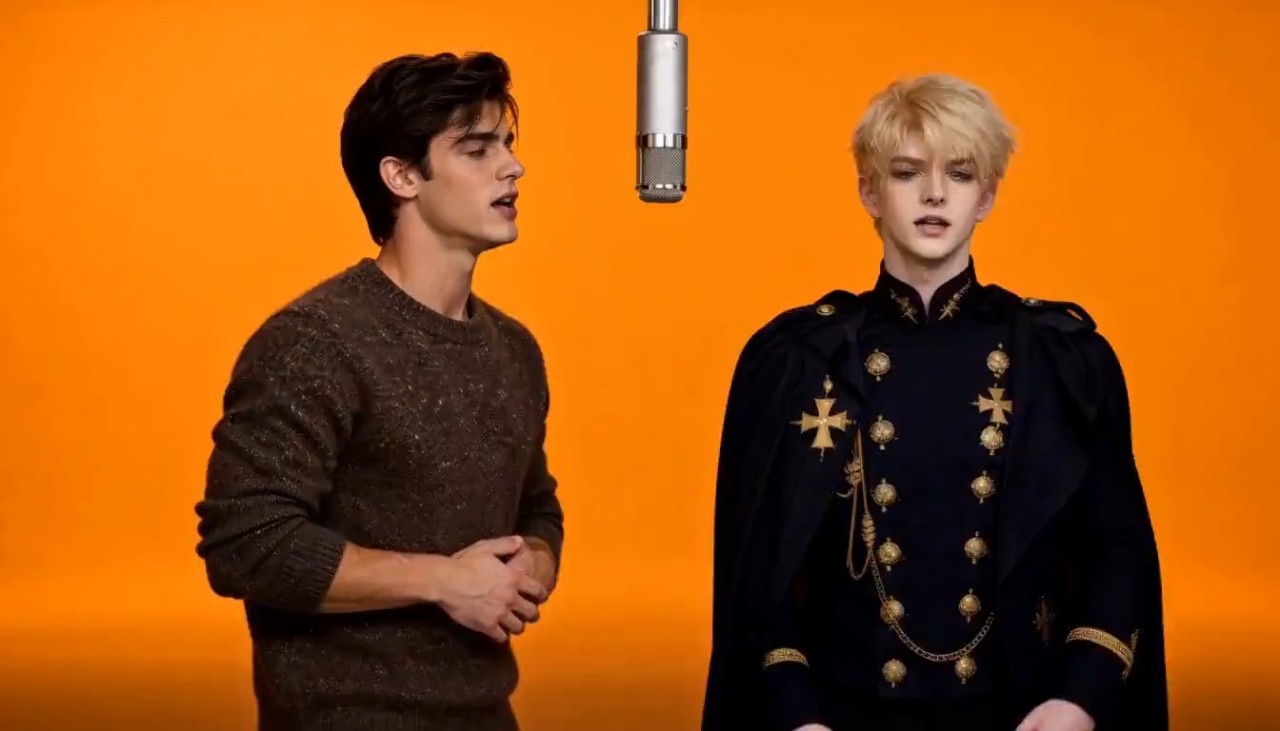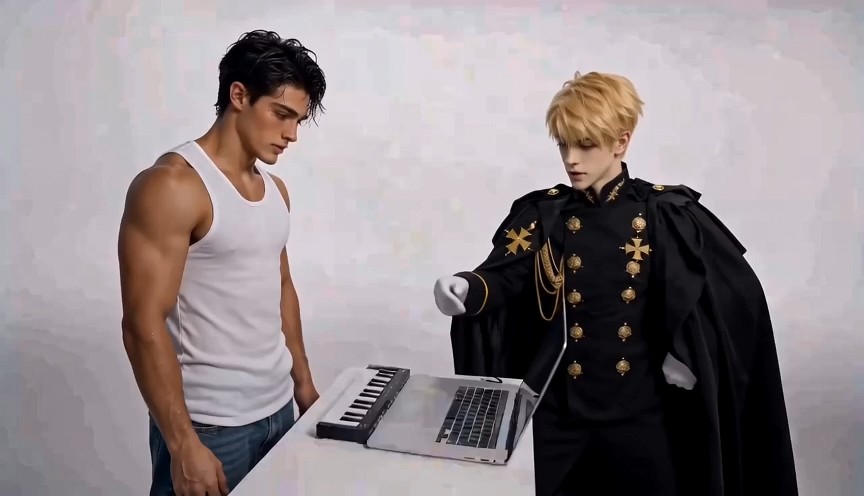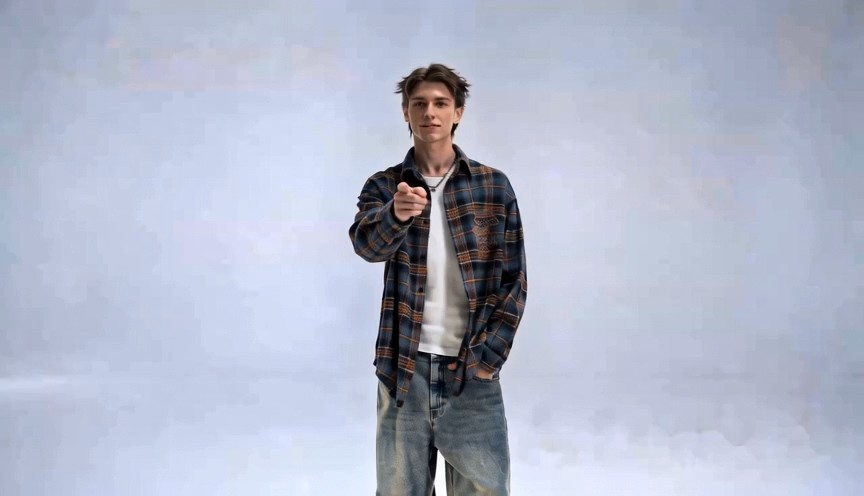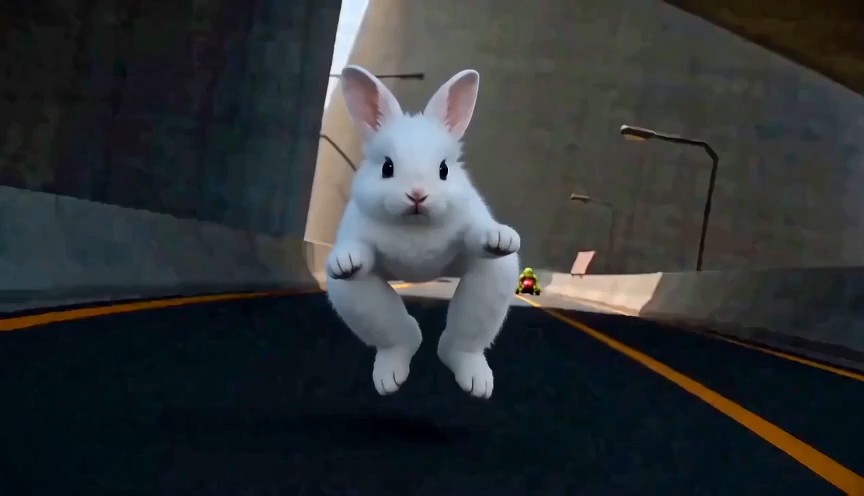
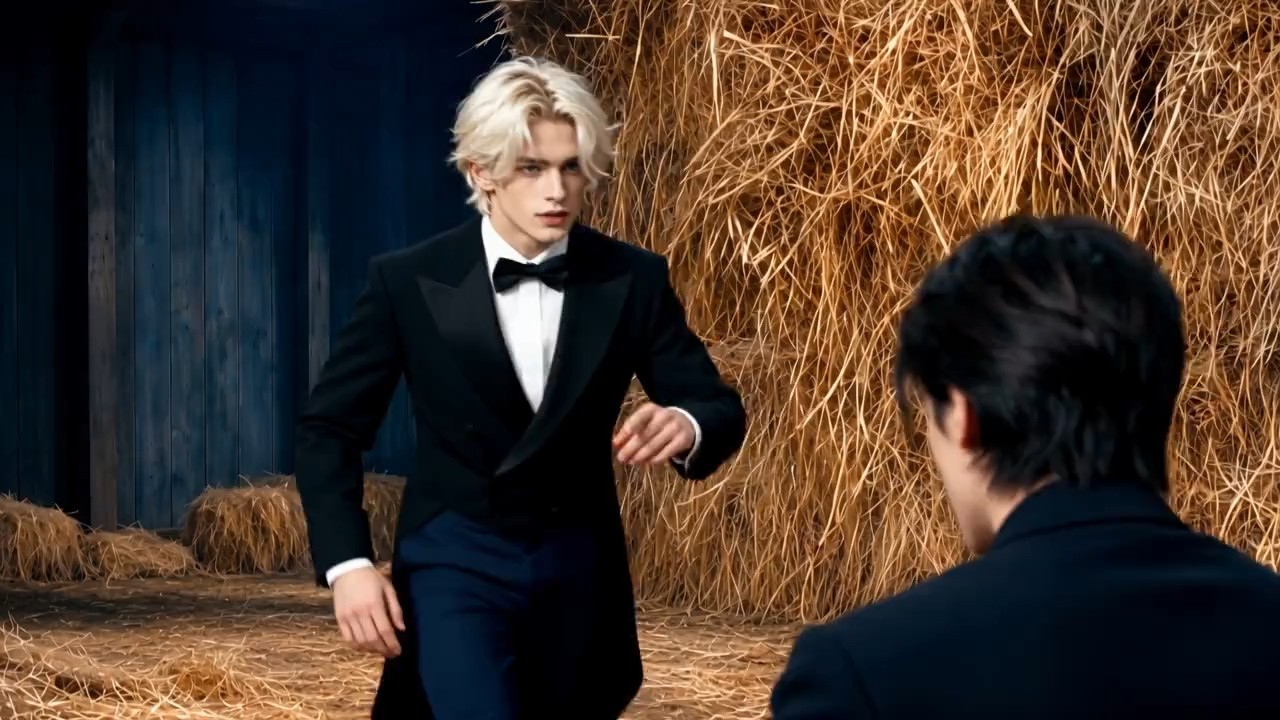
An example made with this template. Yours uses your photos.
Rumpelstiltskin AI Dance Video Generator
Cast two portraits in a 15-second comic barn scene with preset costumes, choreography, and soundtrack — vertical 9:16 by default, or choose 1:1 or 16:9.
- Photos
- 2
- Credits
- from 20
- Category
- couples
Make your video
Sign in with Google to generate.
- Order matters: Photo 1 becomes the dancer and Photo 2 becomes the seated observer.
- Use one clearly visible person per photo with an unobstructed face and recognizable hair.
- Upload JPEG, PNG, or WebP files; your browser compresses them before sending.
- Only upload adults (18+) you have the right to feature, and no celebrities.
How to make it
- Upload two portraits in role order: the dancer first, then the seated observer.
- Pick your quality (from 20 credits) and aspect ratio (vertical 9:16 by default, or choose 1:1 or 16:9), generate your 15-second barn scene, and wait a few minutes.
- Download the finished clip from My Videos and share it as is or add a trending sound.
About the Rumpelstiltskin AI Dance trend
Rumpelstiltskin AI Dance turns two portraits into a 15-second comic barn scene — rendered in vertical 9:16 by default (best for TikTok, Reels, and Shorts), or choose 1:1 or 16:9. Role order is everything here. Your first photo casts the dancer, who makes a shushing gesture and performs playful tiptoe steps. Your second photo casts the seated observer, whose shots can include reaction close-ups and rear views. You do not need to worry about outfits, staging, or audio: the template supplies the choreography, barn setting, costumes, and soundtrack automatically.
To generate your clip, sign in with Google, top up your balance on /pricing, and upload two JPEG, PNG, or WebP portraits in role order. Each run costs from 20 credits — HD 720p 20, Full HD 1080p 30 — aspect ratio does not change the price, and purchased credits never expire. Your browser compresses the photos before upload, and uploaded files are deleted within 24 hours. Generation usually takes a few minutes, after which the video appears on My Videos ready to download. If a run fails, the credits for that video are refunded automatically.
Make sure you have the right to use both portraits, feature adults (18+) only, and never upload celebrities.
Tips for a better result
- Check the role slots twice: Photo 1 is always the dancer and Photo 2 is always the seated observer.
- Use one clearly visible person per photo with an unobstructed face and recognizable hair.
- Skip busy group photos or shots where hats, glasses, or hands cover the face.
- Because costumes and background are preset by the template, focus on clean lighting and sharp facial detail rather than outfit matching.
Questions
How many credits does Rumpelstiltskin AI Dance cost?
Each 15-second Rumpelstiltskin AI Dance video costs from 20 credits — HD 720p 20, Full HD 1080p 30. Aspect ratio does not change the price. Sign in with Google and buy credits on /pricing. Credits never expire, and there is no free trial.
Which quality should I choose?
HD (720p, 20 credits) is fine for phone viewing. Full HD (1080p, 30 credits) looks sharper on large screens and costs more.
What if my generation fails?
If a generation fails, the credits for that video are refunded automatically.
Does this video include music and costumes?
Yes. The template supplies the 15-second duration, choreography, barn setting, costumes, and preset soundtrack automatically.
How do I post it with the trending sound on TikTok?
You can upload the downloaded clip directly with its built-in soundtrack, or if you want a specific trending audio on TikTok, upload the video, tap "Add sound", and pick the trend's sound.
Are my uploaded photos stored?
Only briefly. Photos are compressed in your browser, used only to make your video, and deleted within 24 hours.
Which photo goes into which role?
Photo 1 becomes the dancer who makes a shushing gesture and performs playful tiptoe steps. Photo 2 becomes the seated observer, whose shots can include reaction close-ups and rear views.